ROM Rescue Switcher
v4.0.0
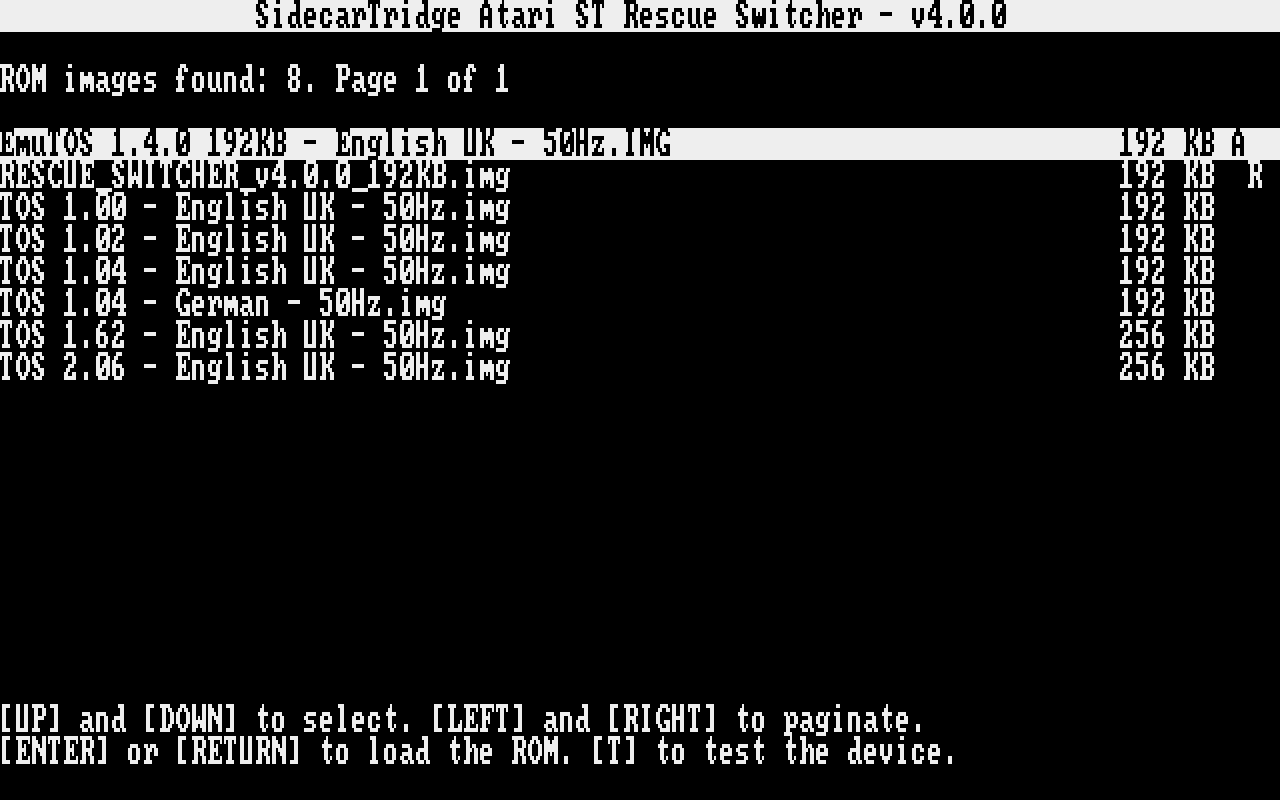
The ROM Rescue Switcher, or rescue switcher, is a small program that the board starts as a ROM, in place of TOS or Kickstart. It lists the ROM images stored on the board and starts the one you choose, so you can always get back to a working image, even when the default one does not boot. It needs nothing from the computer: no TOS, no Kickstart, no disk. From v4.0.0 it also tests the board.
It is the rescue image of the SidecarTridge TOS Emulator and the SidecarTridge Kickstart Multi ROM: the one they start when you hold the RESCUE button.
Computers
| Computer | Product | Image |
|---|---|---|
| Atari ST, Mega ST | TOS Emulator | 192 KB |
| Atari STE, Mega STE | TOS Emulator | 256 KB |
| Amiga 500, 500+, 600 and 2000 | Kickstart Multi ROM | 512 KB |
The rescue switcher 4.0.0 works only with firmware v4.0.0, and the firmware v4.0.0 only with the rescue switcher 4.0.0. Getting Started explains how to install the right one.
Guides
| Guide | What it covers |
|---|---|
| Getting Started | Which image is for your computer, how to install or upgrade it, and how to start it. |
| User Guide | The start screen, the list of images and its keys, and starting an image. |
| Self-test | The test of the board and its connection to the computer, line by line, and the soak test. |
| Troubleshooting | The screens that stop the rescue switcher, and the known issues. |
| Changelog | What changed in each version. |
Project links
Support
Write to us at support@gooddatalabs.com.