Xenon 2 Megablast 50fps
Source code CHANGELOG Report BUG v1.0.0
What if, in an alternative universe, Atari had put arcade-level graphics chips in our beloved Atari ST? In 1989 The Bitmap Brothers released Xenon 2 Megablast, a shocking shoot’em up that ran at 16.7 frames a second. In that parallel universe it runs at an insane 50. Almost 40 years later, a SidecarTridge Multi-device in the cartridge slot of an Atari ST, STE, Mega ST or Mega STE takes you there.
This is the whole game, not a demo of it:
- all five levels, with their mid-level and end-of-level bosses
- Crispin’s Swop Shop, with every weapon it sells
- David Whittaker’s music and effects
- two players taking turns
- the high scores, now kept on the cartridge
Every rule is the original’s, rewritten in C and checked frame by frame against the original running in an emulator.
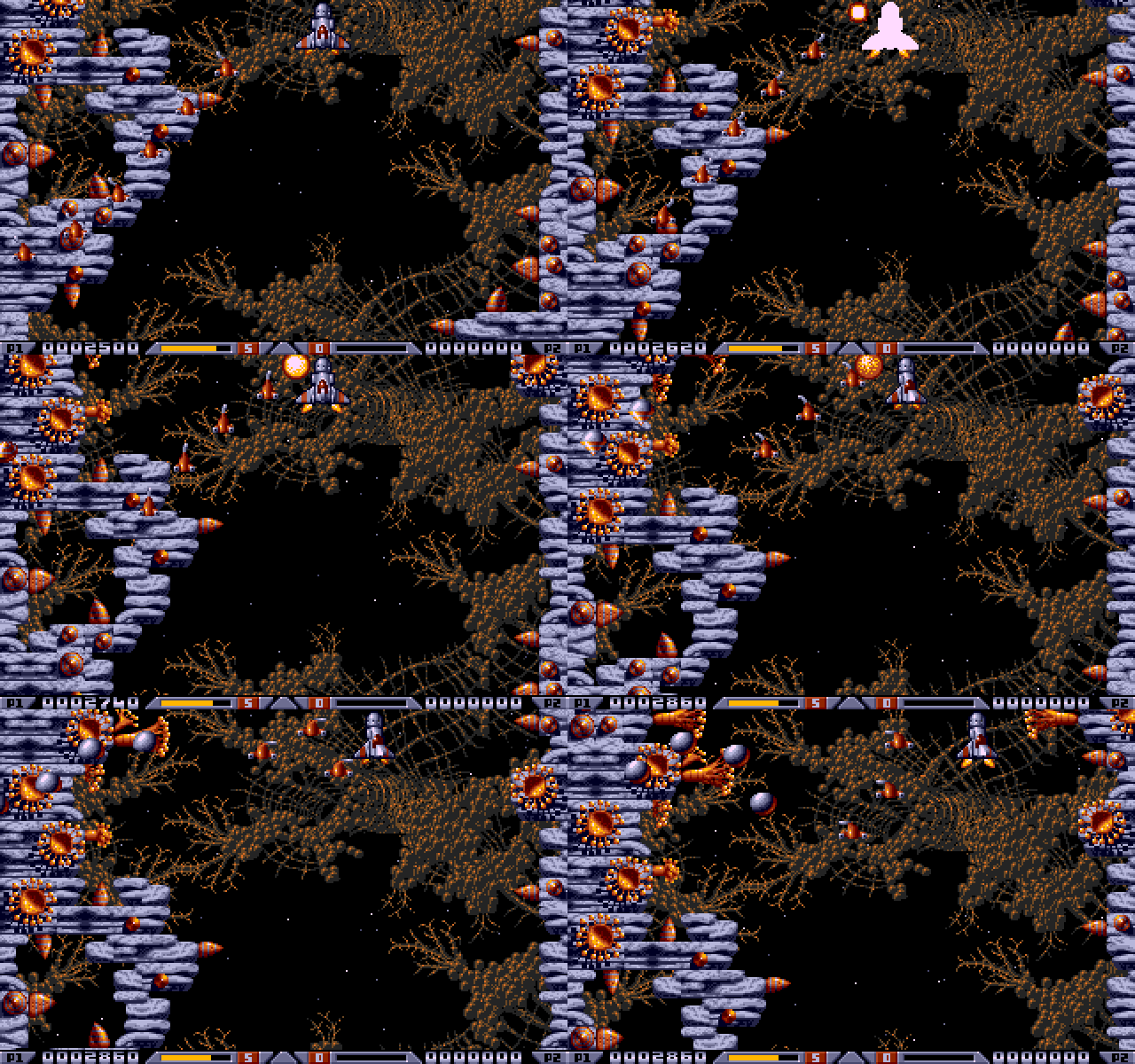
At 50 frames a second the world scrolls three times as fast, and you choose how the rest plays. The original’s pace keeps the ship, the shots and the enemies at the original’s speed, drawn smoothly in between. ×3 runs everything three times as fast: a different game altogether. And with the frame rate at 17 and the cheats off it is the 1989 original, untouched.
The Raspberry Pi Pico (RP2040) in the cartridge runs the whole game and draws every frame. The Atari shows them, plays the sound and reads the joystick. On an STE or a Mega STE the title tune and the shop’s sample play through the DMA sound chip; elsewhere, and for the music and effects, the YM2149 does the work.
Bring your own disks. None of the game is included in the app or its source code: the cartridge converts your own copy. Only the Image Works release on two disks works; the Kixx re-release is a different disk and is refused. A preserved copy of the two disks, as Pasti .stx images, is available from Atarimania.
Table of contents
🛡️ What you need
- Your own copy of the original game: the two disks of the Image Works release, as Pasti
.stximages (see above). - A SidecarTridge Multi-device with Xenon 2 Megablast installed from the app store, and its microSD card. The disk images and what the cartridge converts from them take about 5 MB.
- An Atari ST, STE, Mega ST or Mega STE with a colour monitor.
- A joystick in port 1.
🚀 Installation
- Launch the Booster App on your SidecarTridge Multi-device.
- Open the Booster web interface.
- In the Apps tab, select “Xenon 2 Megablast 50fps” from the list of available apps.
- Click “Download” to install the app to your SidecarTridge’s microSD card.
- Once installed, select the app and click “Launch” to activate it.
Then copy the disks to the card (next section) and switch the Atari on.
💾 The disks on the card
Copy the two .stx disk images into the card’s XENON2 folder, put the card back in the Multi-device and switch the Atari on.
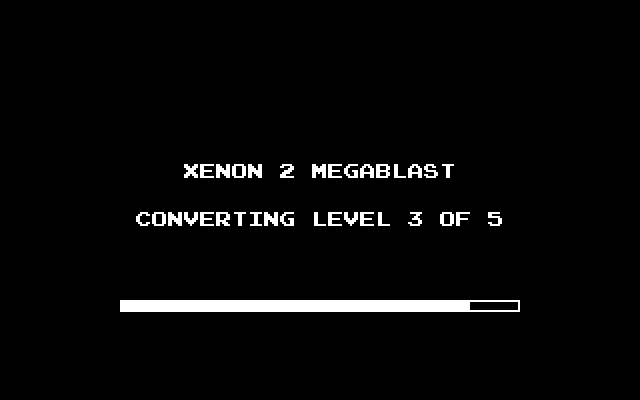
The first start converts the disks and the five levels, once, with its progress on the screen. Later starts go straight to the title.
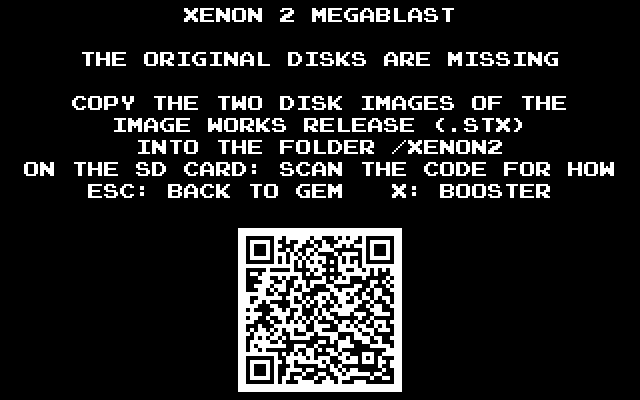
If the disks are not in the folder, or are another release, the screen says so and shows a QR code to these instructions:
🕹️ Starting a game
Fire or Space on the title starts the game’s attract, and O opens the options. Fire on the attract goes to SELECT: one or two players, the music on or off. Fire again to play.
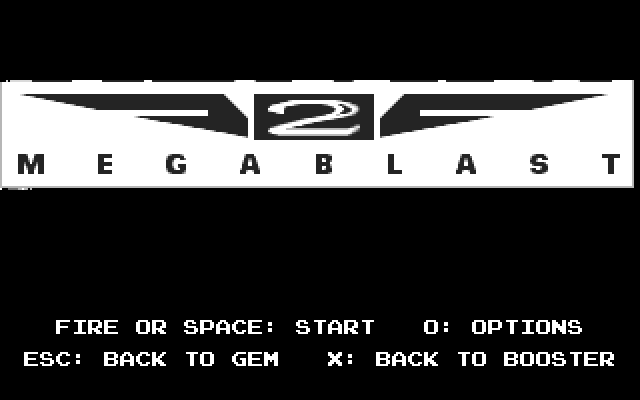 | 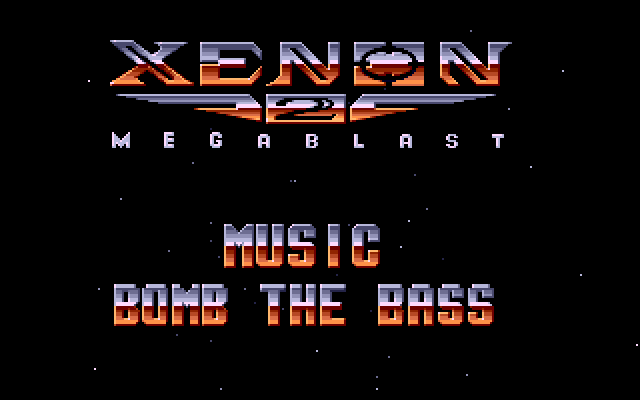 |
| The title, and its keys | The attract: fire for SELECT |
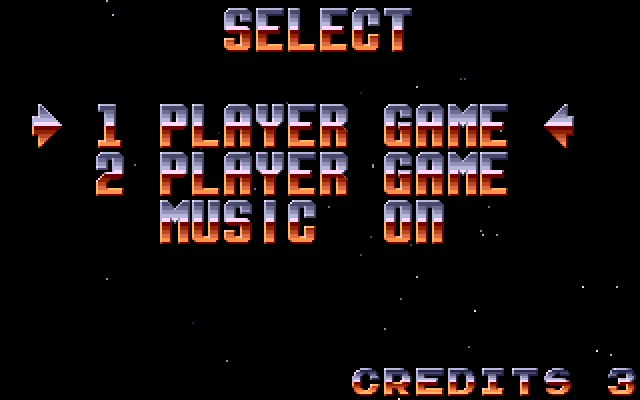 | |
| SELECT: one or two players, the music | |
⌨️ Keys
| Key | Where | What |
|---|---|---|
| Joystick, fire | in play | Fly and shoot (hold fire to keep shooting) |
| Space | in play | Dive under the scenery, while dives last |
| P | in play | Pause: fire or a key goes on |
| Esc | in play | Back to the attract |
| O | title, attract | The options |
| Esc | title, attract | Back to GEM |
| X | title, attract, options | Back to the Multi-device’s menu (Booster) |
⚙️ The options
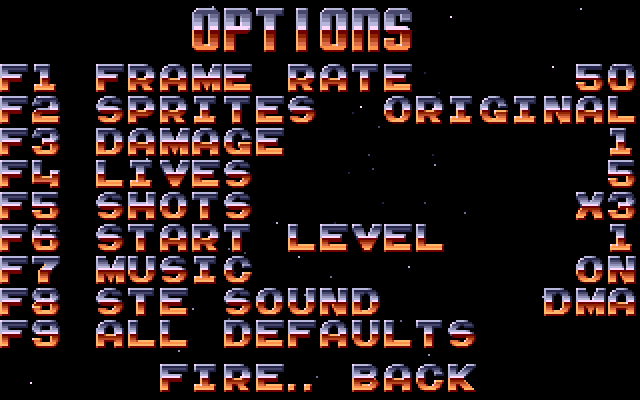
Press O on the title or the attract. Each function key steps one option, and fire goes back. Choices are kept on the cartridge. The app starts at 50 frames a second with the sprites at the original’s speed, and gives you a hand: a hit takes 1 from the shield, there are 5 lives and the shots are ×3. F9 puts these defaults back.
| Key | Option | Values | Starts at |
|---|---|---|---|
| F1 | Frame rate | 17 (the original’s) or 50: how fast the world scrolls | 50 |
| F2 | Sprites, at 50 | The original’s speed, drawn smoothly in between, or ×3 | original |
| F3 | Damage | The shield a hit takes: the original’s, 1, or none | 1 |
| F4 | Lives | 3, 5 or 9 | 5 |
| F5 | Shots | The ship’s weapons at the original’s speed or ×3 | ×3 |
| F6 | Start level | 1 to 5 | 1 |
| F7 | Music | On or off, as SELECT sets it | on |
| F8 | STE sound | The DMA sound chip or the YM, from the next reset | DMA |
| F9 | All defaults | Every option back to the column on the right |
For the 1989 original, untouched: set the frame rate to 17 (F1) and put the damage, lives and shots back to the original’s (F3, F4, F5).
🚀 The game
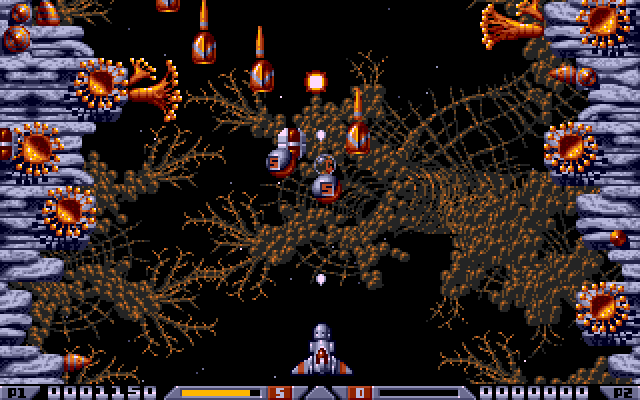 | 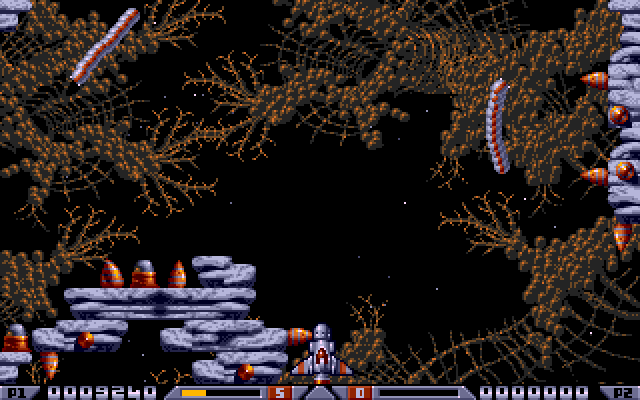 |
| Level 1: the wall guns and the first waves | The worms, out of their holes |
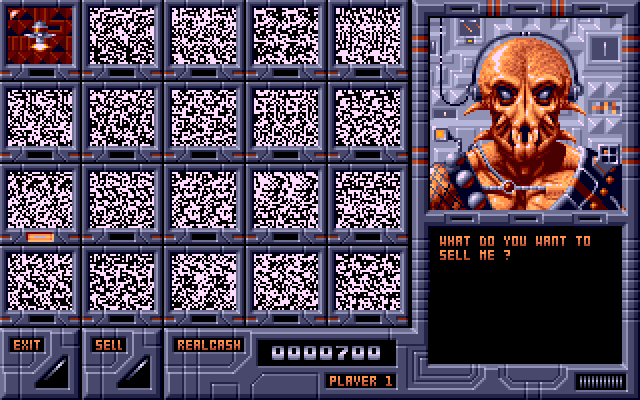 | 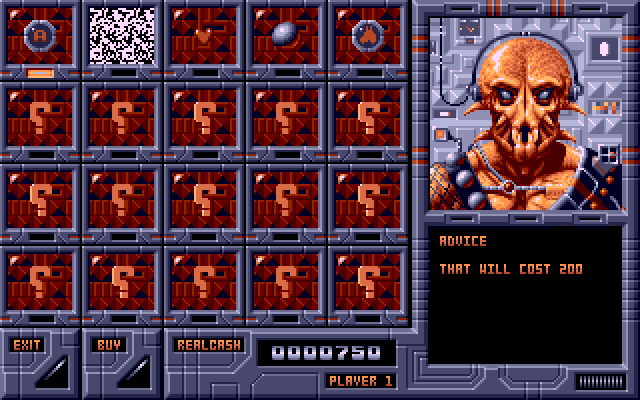 |
| Crispin's Swop Shop: what will you sell? | And what will you buy? |
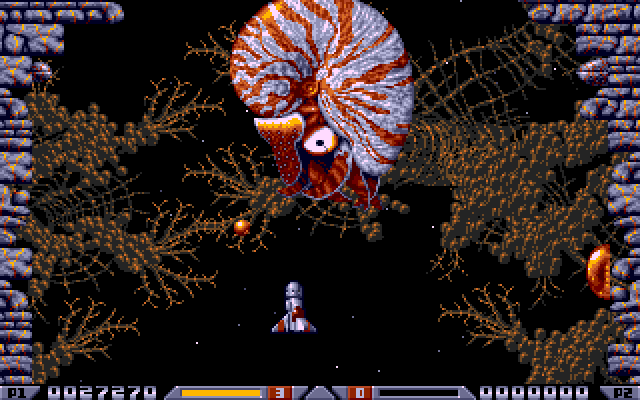 | 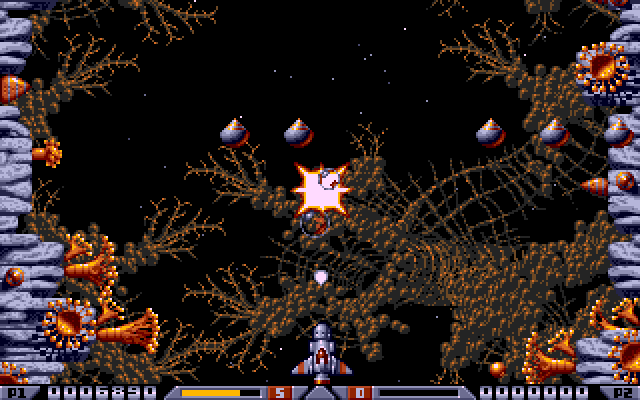 |
| Level 1's end boss | Shots ×3 at work |
🔧 How it is made
The app is built on md-framebuffer-template v1.1.0, whose framework does the Atari’s side. The frame the RP2040 draws, one byte per pixel, is converted to the Atari’s planes and copied to the screen every frame. The keyboard, the joystick and the sound go through the cartridge.
The game itself was taken apart from its disks and rewritten in C, routine by routine, on the RP2040. Every routine was checked against the original in the Hatari emulator, and the sound driver write for write. No 68000 code of the game runs anywhere: the cartridge reads only the game’s data, its levels, pictures, songs and tables, from your disks.
🙏 Acknowledgements
This app stands on the shoulders of others, with thanks:
- The Bitmap Brothers, who designed the game; The Assembly Line, who wrote the Atari ST version; Mark Coleman, its graphics; David Whittaker, its music and effects; and Image Works, who published it in 1989.
- Hatari, the emulator every routine was checked against.
- Atarimania, for preserving the disks.
- QR Code generator by Project Nayuki (MIT licence): the QR code to these instructions when the disks are missing.
- md-framebuffer-template and md-microfirmware-template by SidecarTridge: the framework this app is built on.
Xenon 2 Megablast belongs to its rights holders and is not part of this project: the app plays the player’s own copy of the disks.
🛠️ Setting Up the Development Environment
This app is built on the md-framebuffer-template, a variant of the SidecarTridge Multi-device Microfirmware App Template. Build instructions are in the repository’s README. For the Multi-device’s programming documentation, see the Programming Guide.
📄 License
This project is licensed under the GNU General Public License v3.0. See the LICENSE file for full terms.
🤝 Contributing
Made with ❤️ by SidecarTridge