SidecarTridge Keyboard Emulator
v1.0.0
The SidecarTridge Keyboard Emulator is a hardware device that emulates the original Atari ST IKBD keyboard controller, allowing modern keyboards, mice, and game controllers to be used on Atari ST-family computers while preserving full compatibility with software that expects the original IKBD behavior.
Unlike simple keyboard adapters that only translate keystrokes, the SidecarTridge Keyboard Emulator reproduces the behavior of the HD6301-based IKBD microcontroller used in the Atari ST, STe, Mega ST, Mega STe, and TT.
Because the host computer communicates with a real controller implementation, the system behaves as if an original Atari keyboard were connected.
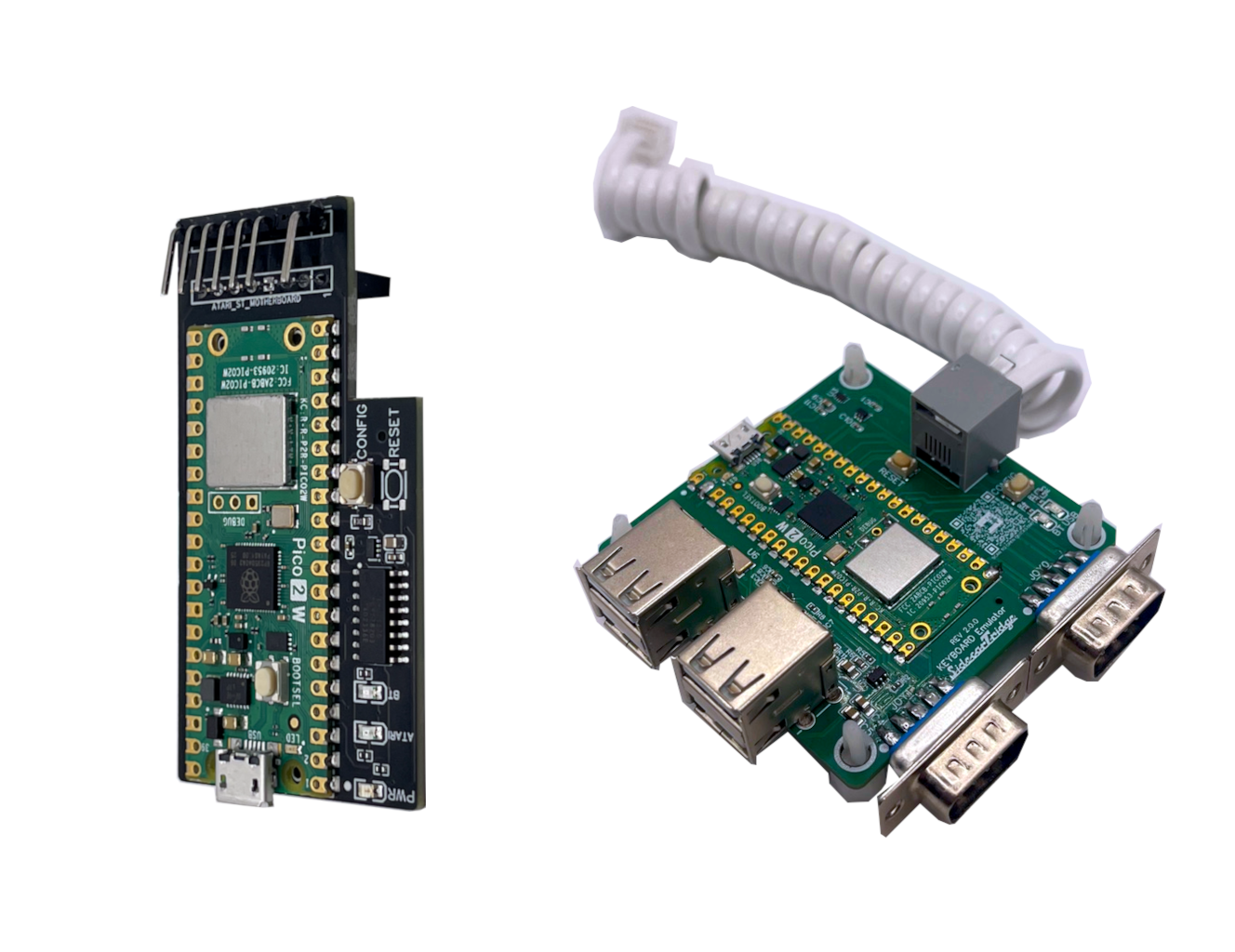
The project currently exists in two hardware variants that share the same firmware base.
Hardware variants
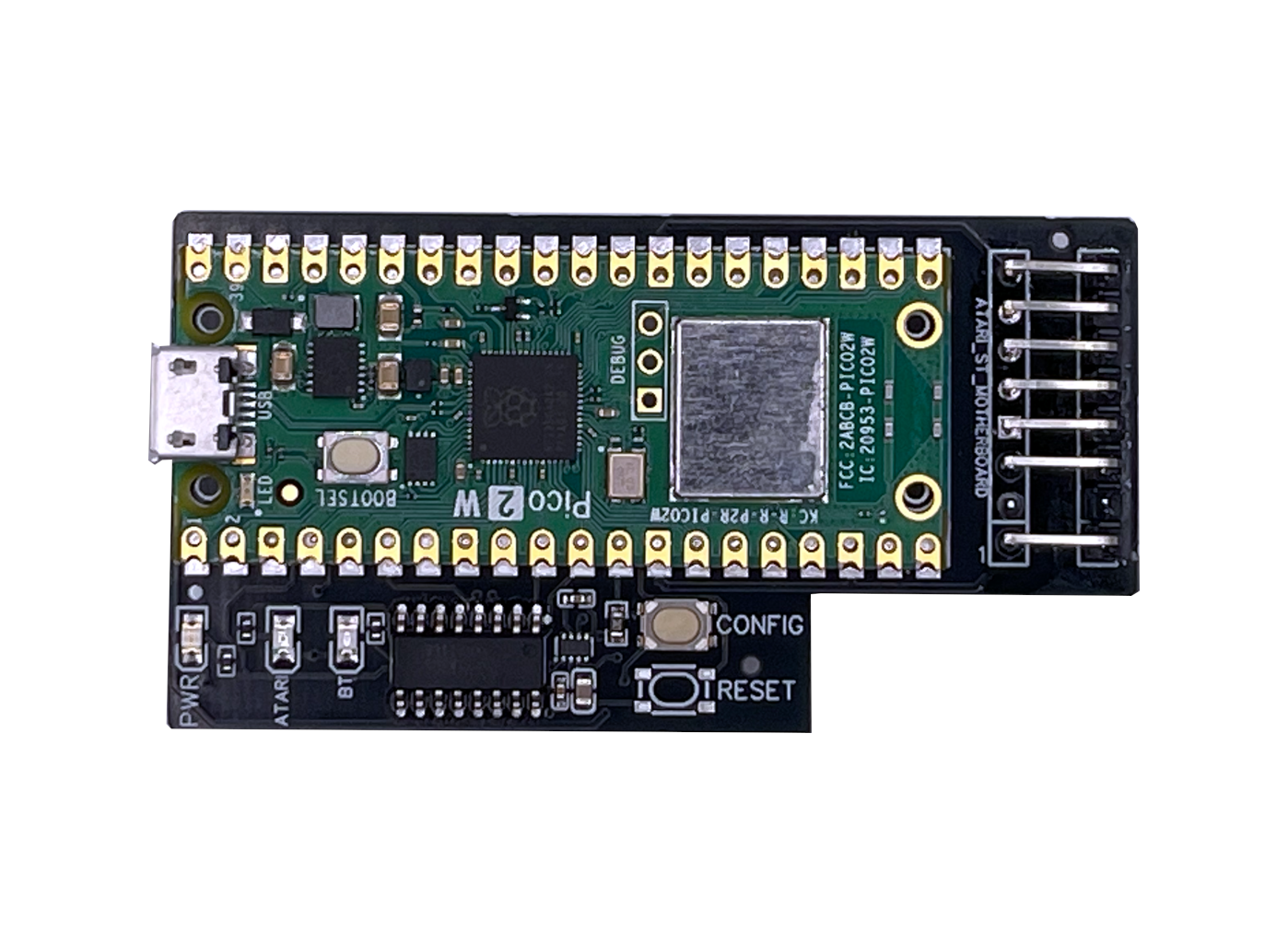
- SidecarTridge Croissant
Internal adapter for Atari ST and Atari STe computers with the internal 7-pin keyboard connector.
Works as a middle-man between the motherboard and the original keyboard path, allowing Bluetooth, and mixed input configurations while preserving compatibility with original devices.
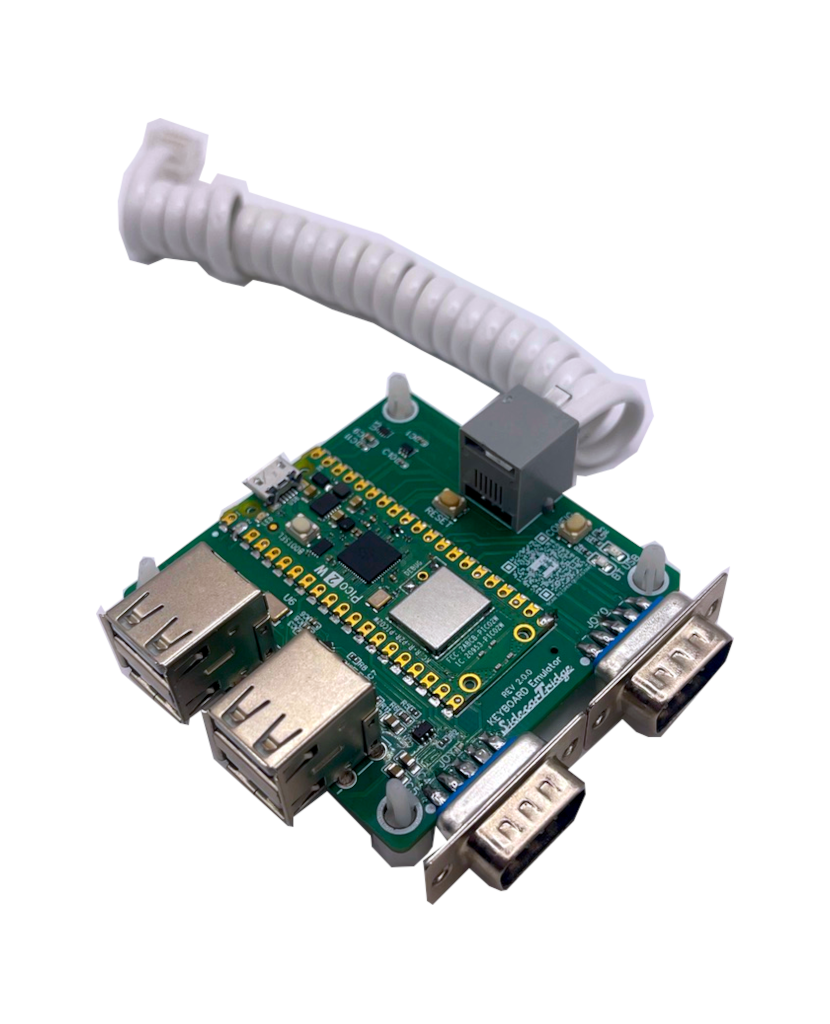
- SidecarTridge Soufflè
External keyboard replacement for Atari Mega ST and Mega STe systems.
Connects in place of the original keyboard and adds Bluetooth and USB input support while maintaining normal IKBD behavior.
Both hardware variants use the same firmware architecture, so firmware updates are expected to support both platforms whenever possible.
Latest Stable Firmware: v1.0.0
Source Code Repositories
What this project provides
Typical use cases for the SidecarTridge Keyboard Emulator include:
- using Bluetooth keyboards, mice, and gamepads on Atari ST systems
- using USB keyboards and mice on classic Atari hardware
- replacing missing or faulty original keyboards
- preserving compatibility with software that depends on normal IKBD behavior
- combining modern input devices with original Atari joysticks and mouse
- modernizing Atari ST, STe, Mega ST, Mega STe, and TT setups
Table of Contents
📘 Introduction
An overview of the IKBD-emulation approach, supported systems, and the Croissant and Soufflè hardware variants.
🔄 Firmware Update
How to place the device in BOOTSEL mode and install a newer firmware release.